
 English
 Bengali
OKGO Login — Get Into Your Account Without Guesswork
Maybe you found OKGO while checking cricket odds on the sports betting page, or a friend told you the sign-in is simple but you still want to avoid mistakes. Good call.
Once your account is ready, the OKGO login flow is built for speed: enter your phone or username, confirm the password, pass any OTP check, and you are back inside in moments. Below is the practical Bangladesh-focused walkthrough I would give anyone before they deposit or claim a reward.
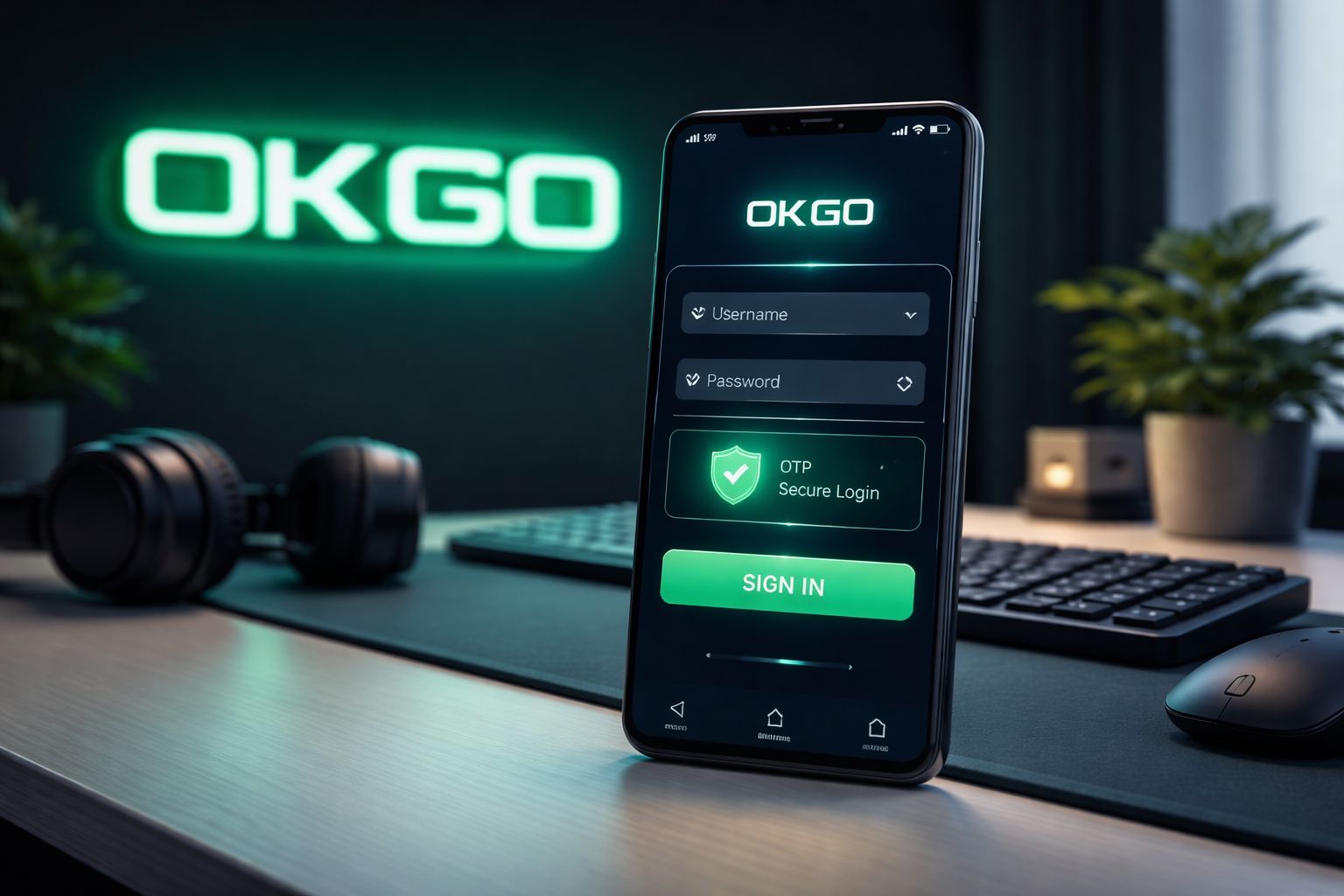
🔑 How to Log In to OKGO
Open OKGO in your browser or launch the app, then check the top area of the screen for the Login button. Tap it once and wait for the sign-in panel to load fully before entering anything.
Type the username, registered Bangladesh mobile number, or saved account ID you used during registration. Add your password, press confirm, and complete any OTP prompt if OKGO asks for one on a new device.
Three login methods:
| Method | Requires | Average Speed |
|---|---|---|
| Username + password | Type them in | ~10 sec |
| Phone number + password | Type them in | ~10 sec |
| Biometric (app only) | Fingerprint or Face ID | ~2 sec |
One detail worth checking: if you are using a shared phone, cybercafe computer, office laptop, or a friend's browser, do not keep the "remember me" option selected. Convenience is nice, but keeping your wallet-linked account private matters more.
If you are already signed in and want to test the lobby before funding your balance, explore the latest OKGO games first and learn the layout at your own pace.
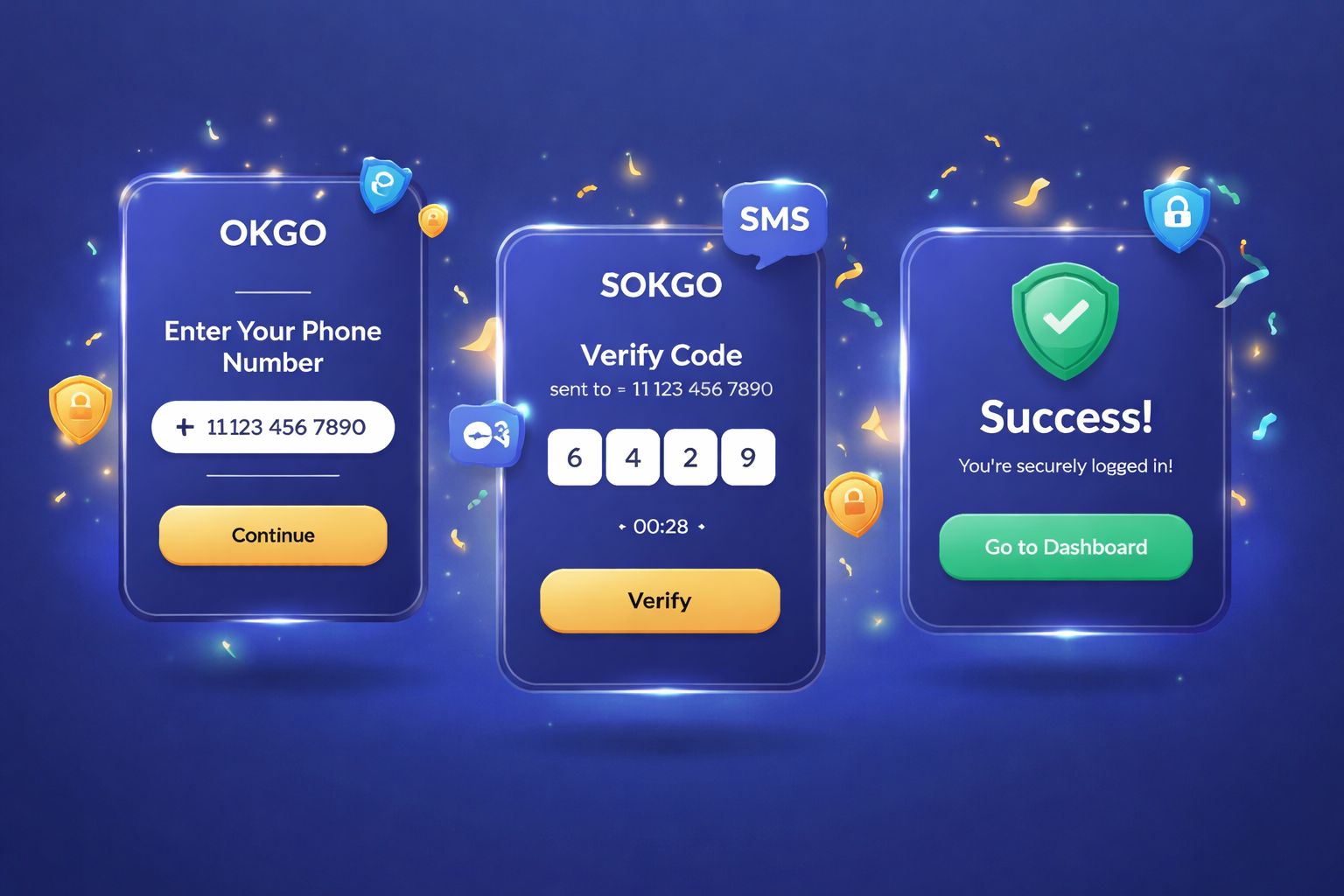
📝 Creating a New Account
No OKGO account yet? Registration is designed to be light, especially for Bangladesh players who prefer phone-first access. Have these basics ready before you start:
- ✅ A valid Bangladesh mobile number you can receive OTP messages on
- ✅ A payment wallet or banking method you genuinely use, such as bKash, Nagad, or Rocket
- ✅ 2 minutes of focus so you can enter details accurately the first time
Step-by-step:
- Tap the Register button from the homepage, mobile browser, or Android app screen
- Enter your Bangladesh mobile number — use the number you expect to connect with deposits and withdrawals later
- Create a strong password — combine uppercase and lowercase letters, numbers, and at least one symbol
- Add your real name — it should match your payment wallet and official documents if verification is requested
- Select BDT as your currency so balances, deposits, and offers display in taka
- Enter a promo code if you have one — this is where an eligible OKGO bonus can be activated
- Verify the OTP sent by SMS and make sure you type the digits before the code expires
- Submit the form — your account becomes available for login, browsing, and account setup
After registration, you can look through the casino lobby, check table categories, review limits, and understand the interface before making any deposit decision.
What you don't need at signup:
- ❌ Email verification in most cases, though adding an email later can help with recovery
- ❌ NID upload immediately, unless a security or withdrawal check requires it
- ❌ Selfie / KYC during basic registration, with extra checks normally tied to higher-risk account activity
- ❌ Address proof at the opening stage, so the first form stays short and mobile-friendly
That keeps the first OKGO experience easier than many platforms that slow new players down with long forms before they even see the lobby.
🔒 Account Security Tips
Your OKGO account is connected to your balance, your payment records, and your personal login history, so treat access details the same way you treat a mobile wallet PIN.
Do:
- ✅ Use a unique password that you do not reuse for Facebook, Gmail, banking apps, or any other casino account
- ✅ Activate 2FA (two-factor authentication) where available, especially for logins from new phones or unfamiliar networks
- ✅ Use biometric access on the OKGO Android app if your device supports fingerprint or face unlock
- ✅ Log out properly on shared or borrowed devices, even if you only opened the site for a quick balance check
- ✅ Review login history from account settings and investigate any device, location, or time you do not recognise
Don't:
- ❌ Share your OKGO password with friends, agents, group admins, or anyone offering "sure win" tips
- ❌ Save your password inside a public browser at university, work, hostel, shop, or gaming cafe
- ❌ Trust password reset messages you did not request — open the site manually instead of tapping random links
- ❌ Use unsecured public wifi for real-money play without extra protection, because shared networks can expose sessions
- ❌ Send OTP codes through Messenger, Telegram, WhatsApp, or SMS replies to anyone claiming to be staff
Watch for phishing: if a message says it is from OKGO and pushes you to log in through a strange link, inspect the address carefully. The official domain placeholder is okgo000.com; anything adding extra words, bonus traps, or misspelled brand text should be treated as suspicious and reported.
❓ Password Recovery
Forgot your OKGO password? Do not keep guessing until the account locks. Use the recovery route immediately, because it is faster and cleaner than repeated failed attempts.
- Tap "Forgot Password" on the OKGO login screen
- Enter your registered Bangladesh phone number exactly as used during signup
- Wait for the SMS code and keep the page open while it arrives
- Type the verification code into the recovery form without spaces or extra characters
- Create a new password that is stronger than the old one and not reused elsewhere
- Return to login and sign in with the updated credentials
The whole reset usually takes about 2 minutes. Most OTP codes are time-sensitive, so complete the process as soon as the SMS lands.
If you don't get the SMS:
- Check that your phone has a mobile signal, not just wifi, because OTP delivery depends on the cellular network
- Wait 60 seconds before pressing "Resend code" so you do not trigger unnecessary delays
- Try the email recovery option if you previously added and confirmed an email address
- Contact live chat only after resends fail, then be ready to verify account ownership
If you've lost access to the phone number too:
Contact support with:
- Your registered name
- Approximate signup date
- Last deposit amount + method, including bKash or Nagad TRX ID if available
- NID scan if the support team needs identity verification
Manual recovery can take 24–48 hours because support must protect the account from takeover attempts. That waiting time may feel annoying, but careful verification is better than handing your balance to the wrong person.
📱 Mobile vs Desktop Login
OKGO works across common devices, but the best choice depends on how you play, how often you switch markets, and whether you prefer install-free access or faster app sessions.
- Mobile browser (Chrome, Safari):
- ✅ Works on Android and iPhone without an install
- ✅ Good for quick login, balance checks, and casual browsing
- ✅ Full access to core account functions
- ❌ No native biometric shortcut
- ❌ Can feel slower on weak 4G during live events - Android app:
- ✅ Faster returning sessions after the first setup
- ✅ Biometric login support on compatible devices
- ✅ Smoother navigation for casino, sports, and promotions
- ✅ Push alerts can help you track important account updates
- ❌ Android-focused, so iPhone users normally stay with browser access
- ❌ Requires you to allow installation from a trusted downloaded APK source - Desktop browser:
- ✅ Larger screen for comparing odds, tables, account menus, and transaction records
- ✅ Comfortable if you are watching cricket and checking multiple sections at once
- ✅ Easier typing for password changes and support forms
- ❌ Less convenient when you are outside or using mobile data
- ❌ No fingerprint login, so password discipline matters more
Most Bangladesh users keep OKGO on mobile because it matches local payment habits and everyday phone use. Desktop is still handy when you want a wider view of the slots section, live areas, and account settings without constant scrolling.
🛟 Login Support & Help
If you cannot access OKGO, do not panic or open random social media links. Use the official support paths and describe the problem clearly, including device type, browser, error message, and the time the issue started.
- 1. Live chat — available from the site or app interface
- Useful for OTP delays, password reset confusion, login button errors, and account lock messages
- Keep screenshots ready so the agent can understand the exact screen
- Never reveal your password, even if the conversation feels official - 2. Email — [email protected]
- Best for cases requiring documents, transaction proof, or detailed account review
- Include your registered phone number, username if known, and a short timeline of the issue
- Avoid sending repeated emails every few minutes because it can slow the support queue - 3. Official in-site announcements or verified channel links
- Use only links displayed inside OKGO itself, not forwarded group posts
- Good for checking maintenance, SMS delays, or app update notices
- If a channel asks for password or OTP, treat it as fake immediately
Real OKGO support never asks for your password and should not need your OTP code. If someone pressures you to send either one, stop the conversation, block the contact, and return to the official site at okgo000.com.
❓ FAQ
Clear answers to common OKGO login, registration, OTP, password reset, and account verification questions for Bangladesh users.
Register with a Bangladesh mobile number and confirm the OTP. The form is short, usually taking about 2 minutes when your phone signal is stable and your details are ready.
Yes, but keep it sensible. Using your own phone and one trusted desktop is usually fine; too many unfamiliar devices can trigger extra verification to protect the account.
Wait briefly, then use "Resend". Also check your mobile signal, restart the phone if needed, and avoid requesting too many codes too quickly. Contact support if repeated attempts fail.
OKGO uses standard login protections such as encrypted sessions, OTP checks, and optional security settings. Your own habits still matter, so use a unique password and avoid shared devices.
Yes, but verification is required. You may need to confirm the old number, verify the new number, and provide ownership details if you no longer control the original SIM.
Usually no. Basic signup is phone-based, while KYC may be requested for withdrawals, account recovery, suspicious activity reviews, or larger transaction checks such as amounts over ৳10,000.
Contact support through official channels. They will confirm identity, review any remaining balance or pending transactions, and explain the closure timeline before final action.
Stop trying random combinations and use password recovery. A temporary lock may apply after repeated failures, but resetting through OTP is normally the quickest way back in.
💭 Final Word
OKGO login and registration are straightforward once you know which details matter: your Bangladesh phone number, a strong password, OTP access, and the ability to recognise official support channels.
The smartest setup is simple: register with accurate information, keep your SIM active, avoid shared-device password saving, and use official recovery instead of guessing. Those few habits prevent most login problems before they begin.
If you use Android, the OKGO app can make repeat access faster, while browser users can still sign in smoothly. Once inside, take time to understand limits, promotions, and gameplay before depositing.