 English
 Bengali
OKGO App — Faster Mobile Casino Access from Your Phone
Want OKGO running like a proper pocket casino instead of another browser tab? The Android app is built for quick taps, cleaner navigation, and smoother switching between crash and arcade games, live markets, and wallet actions while you are on mobile data in Bangladesh.
📲 How to Download the OKGO App
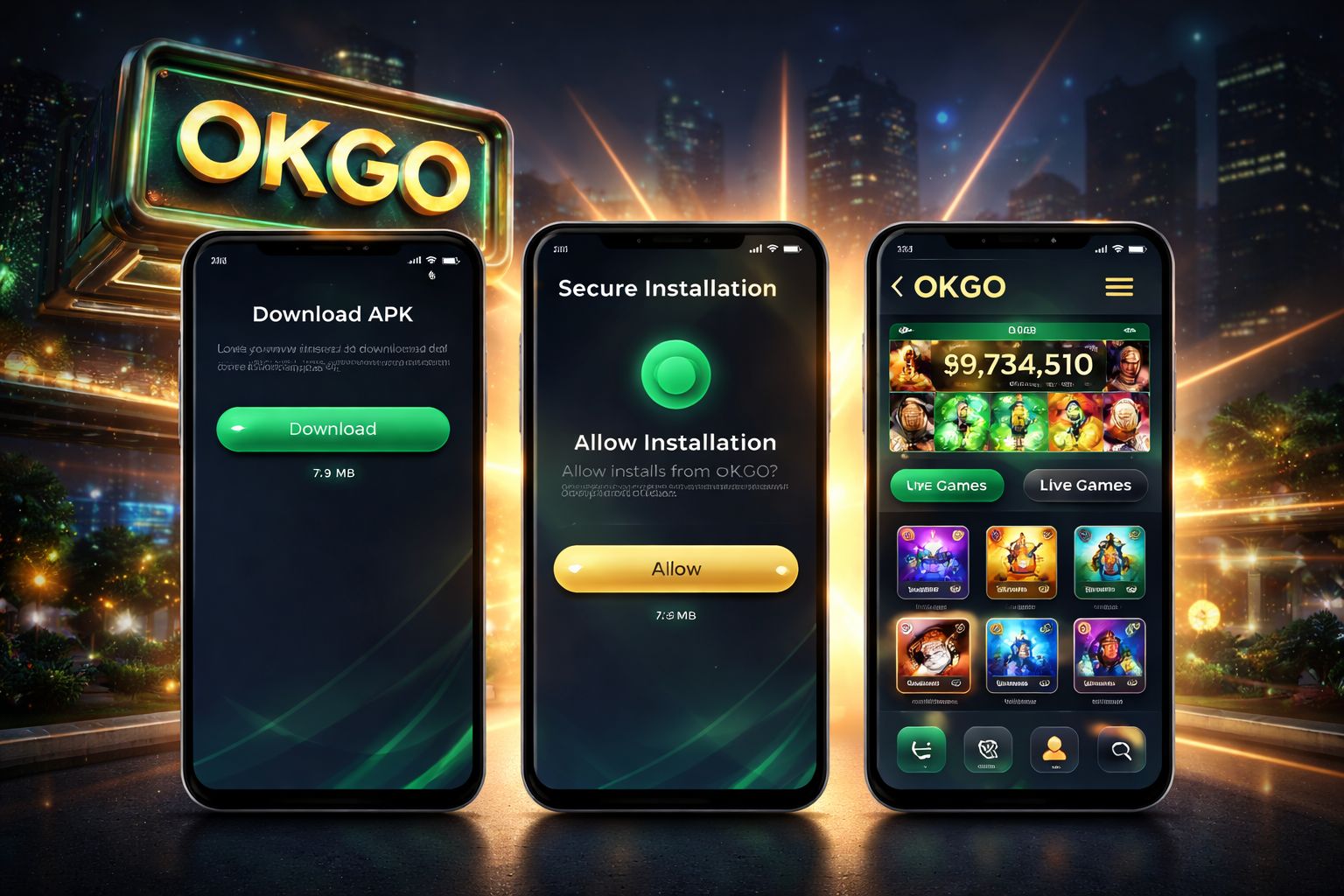
Do not search for it inside Google Play. Real-money betting and casino apps are commonly unavailable through the Bangladesh Play Store, so an APK download from the official OKGO website is the normal route rather than a warning sign.
Open the official OKGO site in your phone browser, check the download area in the header or footer, and save the APK directly from there. If you want to compare what you will use after installation, browse the live casino section first so you know the tables are loading correctly on your connection.
File details:
| Spec | Value |
|---|---|
| File size | 24 MB |
| Format | APK (Android package) |
| Requires Android | 6.0 or newer |
| Latest version | 3.2.1 |
| Last updated | Rolling (every 4–6 weeks) |
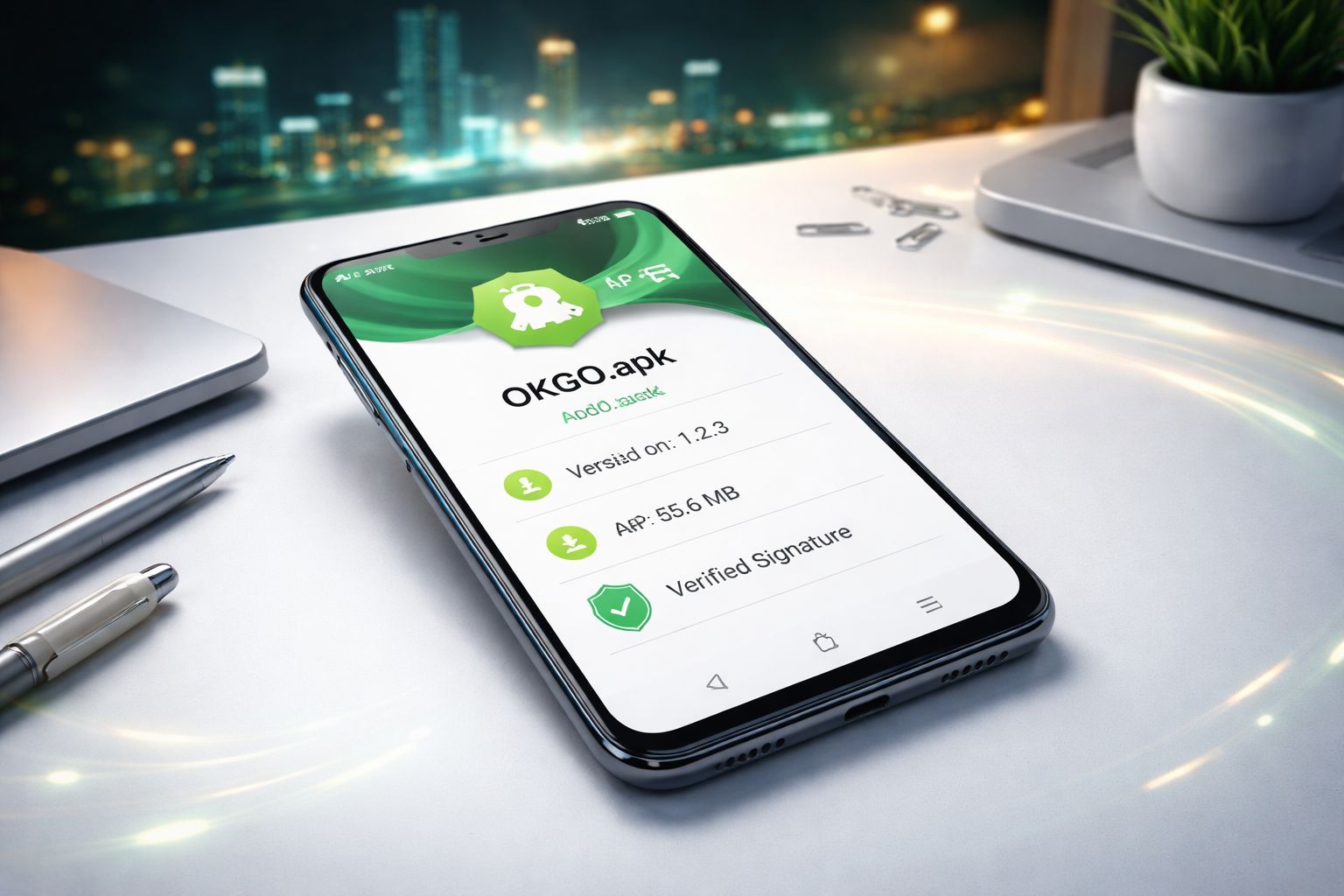
| Digital signature | Verified by OKGO development |
Safety note before tapping install: use only the official source at okgo000.com and avoid forwarded APK files from social groups, unknown mirrors, or shortened links. A copied file can show a fake OKGO login page, capture your password, or request permissions the genuine app does not need.
If you are unsure whether your account is ready, sign in through the secure login area first, confirm your balance and profile, then return to the official download button.
🤖 Android APK Installation Guide
Android setup is straightforward, especially for players using Samsung, Xiaomi, realme, Vivo, or Tecno phones across Bangladesh. From download to opening the lobby, the process usually takes less than a tea break.
Step-by-step:
- Tap the Android download button on the official OKGO website — the .apk file should appear in your browser downloads or notification panel
- Allow "unknown sources" installs — first time only: - Older Android (6–7): Settings → Security → switch "Unknown sources" on - Newer Android (8+): Android asks "Allow installs from this browser?" — approve only for the browser you are using
- Open the .apk file from Downloads, Files, or the completed download notification
- Tap Install and wait for Android to finish the 15–30 second setup process
- Launch the app, enter your OKGO account details or create a new profile, then move into the lobby
On a mid-range Android phone, the OKGO APK should feel lightweight because the 24 MB file does not overload storage. If your connection is unstable, download on WiFi first and switch to 4G later for testing gameplay.
App permissions — what is normal:
| Permission | Why it asks | Should you allow? |
|---|---|---|
| Storage | Save the APK file, cache game assets | ✅ Yes |
| Notifications | Bonus alerts, cash-out reminders | 🟡 Your choice — app runs fine either way |
| Camera | KYC selfie for withdrawals | 🟡 Only when you're doing KYC |
| Location | Match location to your account country | 🟡 Speeds up verification but not required |
| Contacts | Never asked — if it does, cancel the install | ❌ No |
The genuine OKGO app does not require SMS access, call logs, or your contact list. If any APK claims those permissions are mandatory, stop immediately, delete the file, and contact support at [email protected] before trying again.
🍏 iOS Users — What You Actually Do
For iPhone players, there is currently no separate iOS app to install from the App Store. That is common for Bangladesh-facing casino platforms because App Store publishing rules are strict around real-money gambling access.
The practical alternative is the mobile website, which gives you the core experience in Safari or Chrome:
- ✅ Complete slot game library with mobile-friendly reels
- ✅ Live casino tables that open directly in the browser
- ✅ Cricket and football betting with in-play markets
- ✅ Deposits and withdrawals through popular Bangladesh payment methods such as bKash, Nagad, and Rocket
- ✅ Home screen shortcut support so the site opens almost like a standalone app
Add to home screen — useful if you want app-style access without installing anything:
- Open Safari and visit the official OKGO website
- Tap the Share button at the bottom of the browser
- Choose "Add to Home Screen" from the iOS menu
- Name the shortcut "OKGO" so it is easy to find
- Tap Add, then open OKGO from your iPhone home screen whenever you play
The mobile web version supports deposits, withdrawals, games, and live sections smoothly. The main difference is that Android users may receive app-only perks, while iPhone users should focus on regular promotions from the bonus page.
⚡ App Features & Benefits
The browser works, but the OKGO Android app is built for people who play often and want fewer taps between balance checks, game launches, and bet confirmations. The biggest advantage is speed during busy live moments.
Speed:
- 🚀 Faster movement between lobby areas, wallet screens, and game categories compared with a standard mobile browser session
- 🚀 Live video windows usually begin with less waiting, especially when your mobile network is switching between 4G towers
- 🚀 Bet slip updates feel cleaner because the app keeps the session active without forcing full page reloads
Features:
- 📱 Biometric login — use fingerprint or face unlock on supported Android devices instead of typing every time
- 🔔 Push notifications for bonus drops, settlement alerts, match reminders, and time-sensitive offers
- 💾 Offline view of selected bet history and recent account activity when the connection briefly drops
- 🎯 One-tap quick betting shortcuts for cricket in-play moments where timing matters
- 🔊 More stable table chat and dealer interaction inside supported live casino games
Data usage:
- 📊 About 15–25 MB per hour of live casino play
- 📊 About 5–10 MB per hour of slots
- 📊 About 60–100 MB per hour of live cricket streaming
- 📊 Turn off HD video in settings to cut data in half on 4G
🎁 Exclusive App-Only Bonuses
Installing the OKGO Android app can unlock rewards that are designed to move active mobile players away from slower browser play:
1. First-install free bet: ৳200
- Credited once to eligible accounts after the first successful Android app installation
- No deposit required — use the free bet on qualifying cricket or football markets
- Selected odds must be 1.60 or higher for the free bet to count as valid
- Any eligible winnings are paid as cash, with no wagering attached to the free bet return
2. App notification bonus: ৳50 free spins weekly
- Enable push notifications and keep your OKGO session active on the installed app
- Every Sunday, eligible users receive 5 free spins on the featured weekly slot
- The value is modest, but regular mobile players can build extra chances across the month
These rewards are not normally visible from iOS shortcuts or the standard mobile browser. If you are already checking the latest OKGO promotions, installing the Android app gives you another route to extra value.
🛠️ Troubleshooting & Updates
App won't install:
- Confirm that "install unknown apps" is enabled for the exact browser used to download the file
- Keep at least 100 MB of free storage available before starting the installer
- Remove an older OKGO APK before installing again if Android reports a package conflict
- If you see "app not installed", delete the partial download, restart the phone, and download again from okgo000.com
App won't open after install:
- Force close OKGO from recent apps, then launch it again
- Restart your phone to clear temporary Android installation glitches
- Reinstall only from the official OKGO website if the problem continues
Live casino streams lag:
- Test both WiFi and 4G to see which route has the lower delay in your area
- Close video apps, social apps, and downloads running in the background
- Lower the stream quality from the game settings menu before entering another round
- Older Android 6–7 phones may struggle with HD video, so use standard quality if needed
Updates:
- The OKGO app checks for updates whenever it launches
- A visible update notice or red marker appears when a newer APK is available
- Download the updated APK and install over the existing app — your account remains intact
- Roughly every 4–6 weeks there is a maintenance release with fixes, performance tuning, or newly added games
If you still cannot install, open live support after using the OKGO login page. For deeper account issues, keep your username ready and email [email protected] with a screenshot of the error.
❓ FAQ
Yes, when it comes from the official OKGO source only. The release is digitally signed by OKGO development, and you should avoid Telegram uploads, file-sharing groups, and third-party APK libraries because modified installers can steal login data.
Because of platform policy for real-money gambling apps in Bangladesh. Google Play availability is limited in this category, so direct APK distribution is the usual approach for Android casino and betting products.
No dedicated iOS app is provided right now. iPhone users should play through Safari or Chrome, add OKGO to the home screen, and use the mobile website for account access, casino play, and betting.
About 15–25 MB per hour of live casino, 5–10 MB per hour of slots, and 60–100 MB per hour of live cricket streaming. Reducing video quality and avoiding HD streams can lower usage on prepaid data packs.
No full reset is needed. Download the newer APK when prompted and install it over the current version; your OKGO login, preferences, and saved session details should remain available.
Yes, one account can be used on up to 2 devices at the same time. Avoid placing simultaneous bets from both phones, because unusual activity may trigger additional account security checks.
Your OKGO account is not deleted. You can return through the mobile browser, reinstall the Android APK later, and log in again with the same credentials as long as your account remains active.
The Android APK can run on many Android tablets. The interface adjusts to larger screens, while iPad users should continue with Safari and a home screen shortcut.
💭 Final Word
You do not absolutely need the Android app to use OKGO, because the mobile website covers the essentials. Still, frequent players in Bangladesh will likely appreciate the faster lobby, cleaner login flow, push reminders, and smoother access to casino and betting sections.
The ৳200 first-install free bet makes the setup especially practical if you were planning to play anyway. Pair that with regular offers from the OKGO bonus hub, then explore quick games or live markets with more starting value.
Download only from okgo000.com and never trust reposted APK files. For a simple rule: official source, correct permissions, secure login, then play responsibly.